
Masons Mail

01 / Take back your mailbox
Your mailbox.
Our discretion.
A little independence goes a long way.Customer-funded mail.
A rather simple arrangement.
The internet got a little too comfortable with your business. We think it’s time for a change. A small step backwards, actually.
A mailbox costs money to run. Our terribly old-fashioned idea? Charge for the service. Deliver your mail. Keep your private life out of our business model.
You pay us. We work for you.
There is no second customer.
02 / Meet Mason
A mailbox
with manners.
Impeccable service. No nosing about.
Deliver the mail. Then mind our own business. Your private life isn’t part of the job.
At your service, Mason.
03 / Your mailbox & the price
Make room for
better mail.
It’s email. You know how it works. It’s just yours again.
 The personal mailbox
for now
Our planned monthly price
$1USD / month
On the house. Until the bills insist.
You pay $0 for now. We’ll only start charging when hardware and day-to-day running costs make it necessary.
- Your own @masonsmail.com address
- 1 GB starting storage, subject to fair usage
- Webmail and compatible mail apps
- Calendar and email invitations
Storage allowances may change with available capacity. For everyday correspondence.
Create your mailbox A few fair questionsA little order.
Folders, search and attachments. Your everyday mail, neatly handled.
Shall we make a date?
Send calendar invites with a Natter meeting link. Guests can join without the app.
04 / Make yourself comfortable
Your mail.
On your devices.
Keep the mail app you like. Choose your device, then email on its own or mail, calendars and contacts together. We’ll show you the setup.
Exchange or IMAP? Pick what suits you.
Exchange ActiveSync
For mail, calendars and contacts together on a supported phone. Supports push mail when enabled for your mailbox and app.
IMAP + SMTP
For email in a wide choice of apps, including current desktop Outlook. Calendar and contact sync are separate; IMAP handles email.
And push? New mail arrives without waiting for the next scheduled check. Some IMAP apps also receive immediate updates through IDLE; others fetch periodically. App, battery and network settings still matter.
Apple Mail. Five simple steps.
Have your full Masons Mail address and password ready.
Find Mail in Settings
Open Settings. Search for “Mail”, tap Mail Accounts, then tap Add Account.
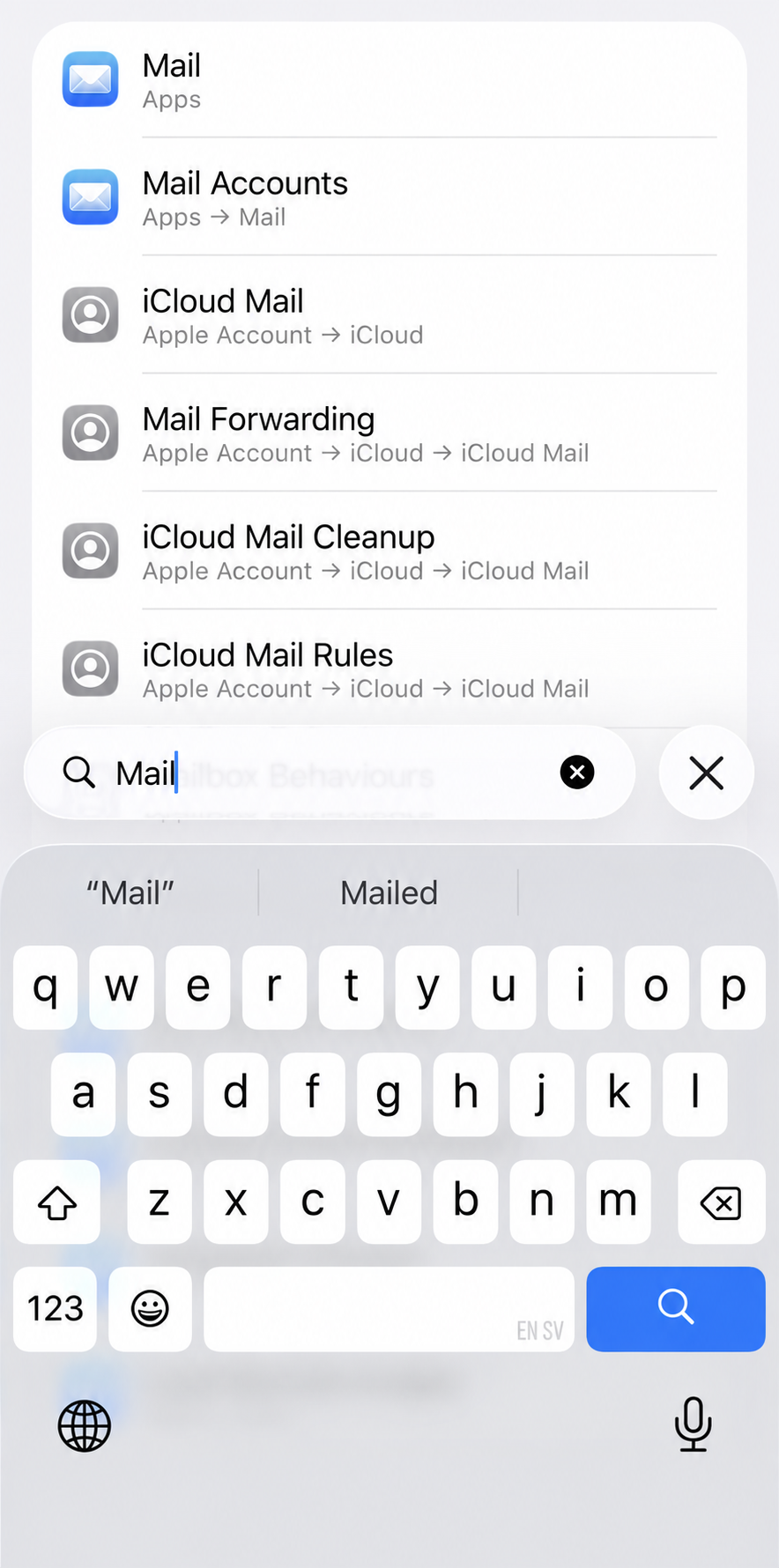
Tap “Mail Accounts”
Other ways to connect
For email through IMAP, choose Other in Apple’s provider list and use our manual settings.
If your iPhone asks for more details
Use your own full email address as the username, including @masonsmail.com. The address below is only an example.
- Exchange server
- mail.masonsmail.com
- Username
- you@masonsmail.com
- Domain
- Leave blank
- SSL
- On
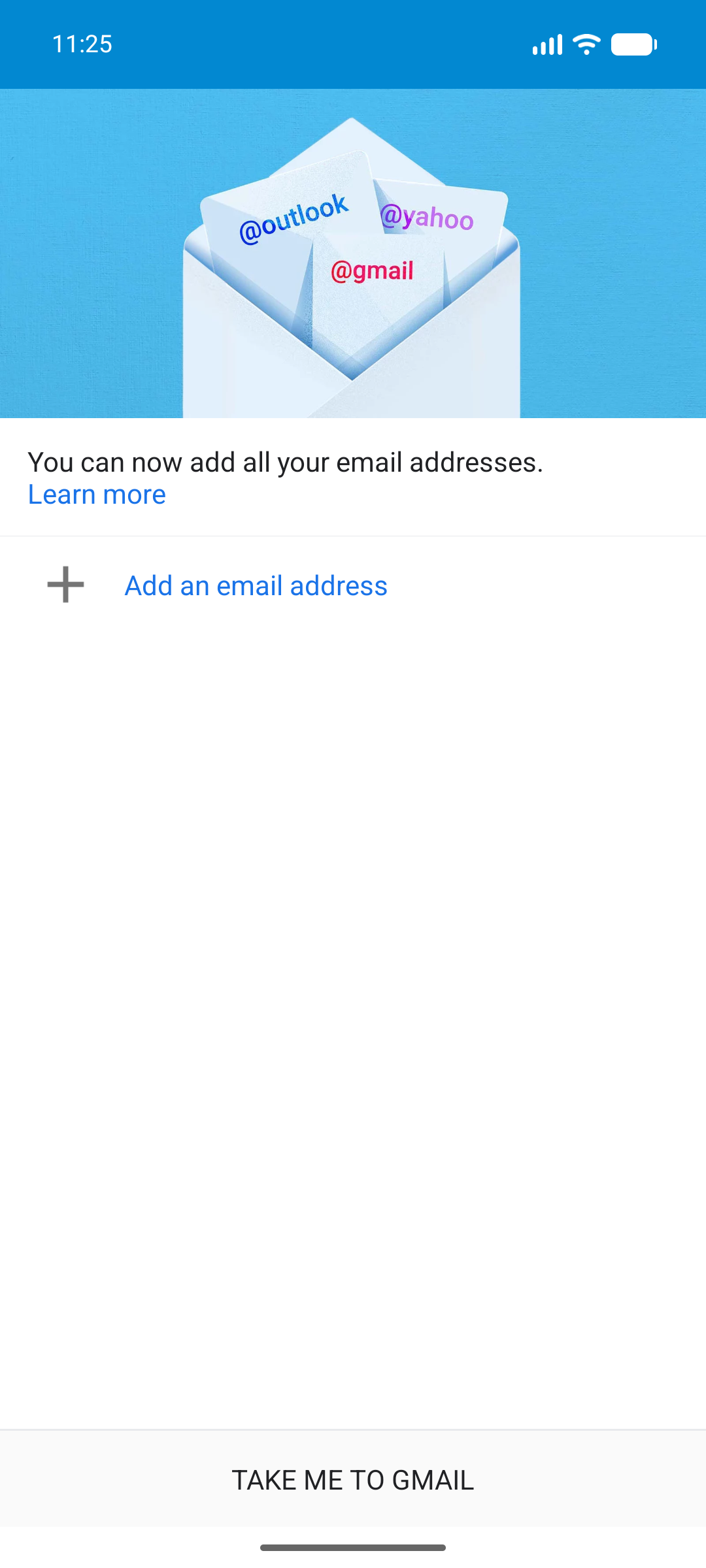
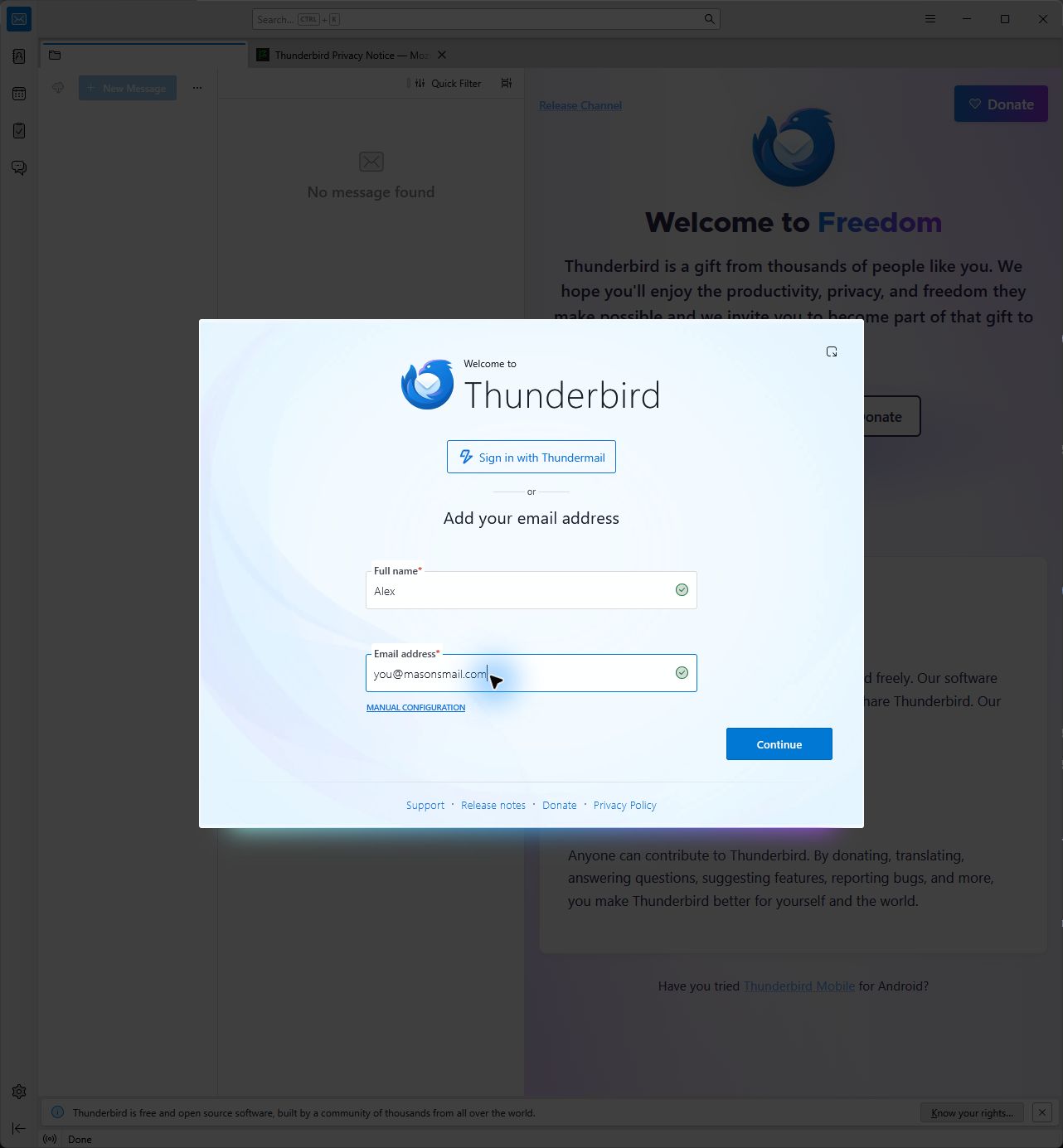

 Natterby Masons Mail
Beyond the inbox
A message. A call.
A proper natter.
For the conversations that deserve a little more than an email. Messages, voice notes, calls and meetings. A separate app, free for personal use.
For Android & iPhone. Public release in preparation.
Messages, with more.
Chat one-to-one or in a group. Share voice notes, photos and files along the way.
Hear a familiar voice.
Move the conversation into a voice or video call when typing doesn’t quite do it.
Get everyone together.
Share a meeting link. Guests can join in their browser, without the Natter app or an account.
Connect Natter in webmail to add meeting links to calendar invitations. The app itself is for everyone; no Masons Mail subscription needed.
The mailbox offer01Free now. Paid later?
Your mailbox stays free until hardware and day-to-day running costs make charging necessary. The planned price then is US$1 a month. We’d rather charge for the service than make an advertising business out of your inbox. Until the bills insist, it’s on us.
02How much storage do I get?
You start with 1 GB. Storage allowances may change over time with available capacity and fair usage. The mailbox is for everyday correspondence, so please keep bulk campaigns and automated mass mail elsewhere. We’re keeping the allowance practical as the service grows.
03What does privacy mean here?
No inbox ads, no advertising profiles built from your mail, and no sale of mailbox data. We process messages to deliver them and deal with spam, security and abuse. Ordinary email isn’t end-to-end encrypted by default. Your choice of mail app also has its own privacy terms.
04Will it work on my phone and in Outlook?
Yes. Use a compatible mail app or open webmail in your browser. Exchange ActiveSync is supported on compatible phones when enabled for your mailbox. Current desktop Outlook uses IMAP and SMTP for email; calendar and contact sync need a separately supported setup. The device guide above helps you choose and shows both setup paths.
05Can I send calendar and meeting invites?
Yes. Create an event in webmail, add your guests and send an invitation by email. Connect your Natter account to add a Natter meeting link. Your guests can join from the link in their browser, without a Natter app or account.
06Do I need Masons Mail to use Natter?
No. Natter is a separate app, free for personal use, with chats, calls and meetings. You don’t need a Masons Mail subscription to use it. Connecting it to your mailbox lets you add meeting links to calendar invitations. Find the app and release news at natterapp.com.